
Food Purine Lookup: Free Chrome Extension for Gout
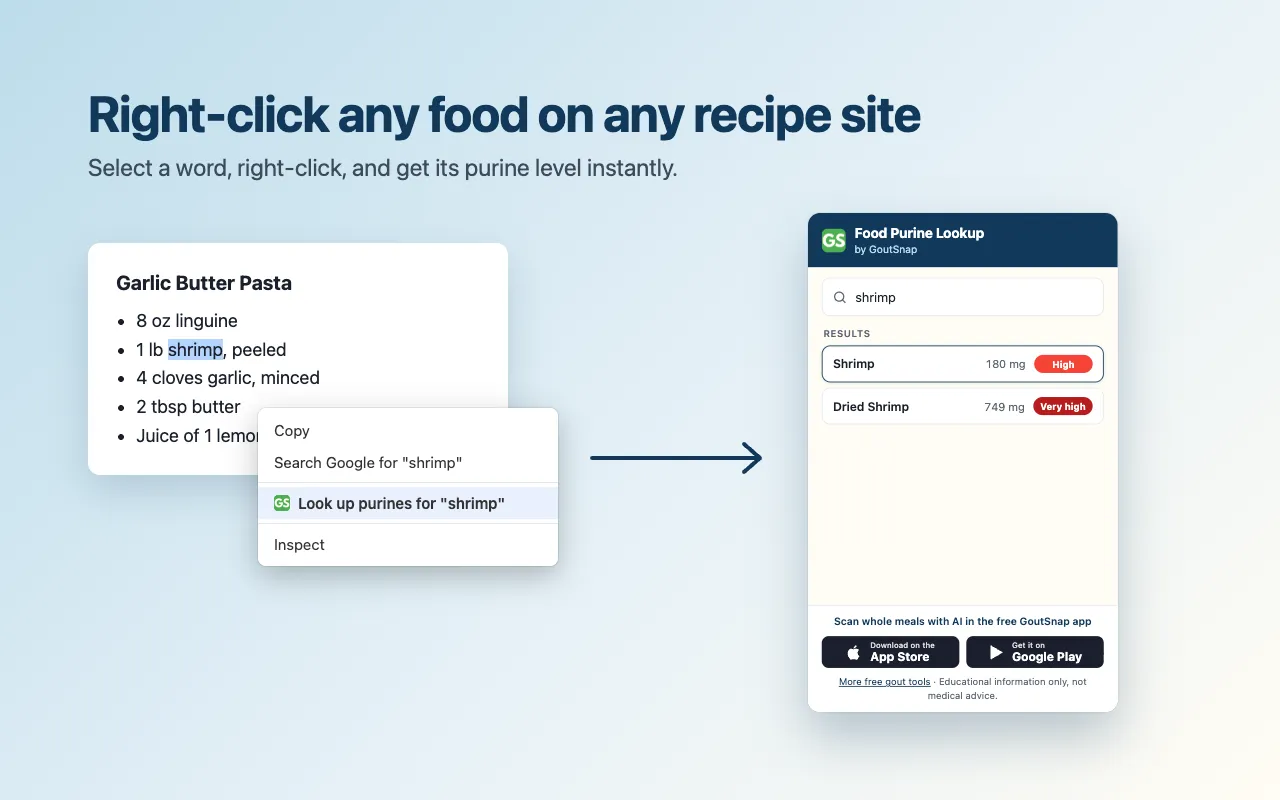
Check the purine level of 200+ foods without leaving the page you're on. Search from the Chrome toolbar, or highlight a food on any recipe, menu or grocery site and right-click to look it up.
Add to Chrome — it's freeWorks in Chrome, Edge and Brave on desktop. No account needed.

How it works
Search from the toolbar
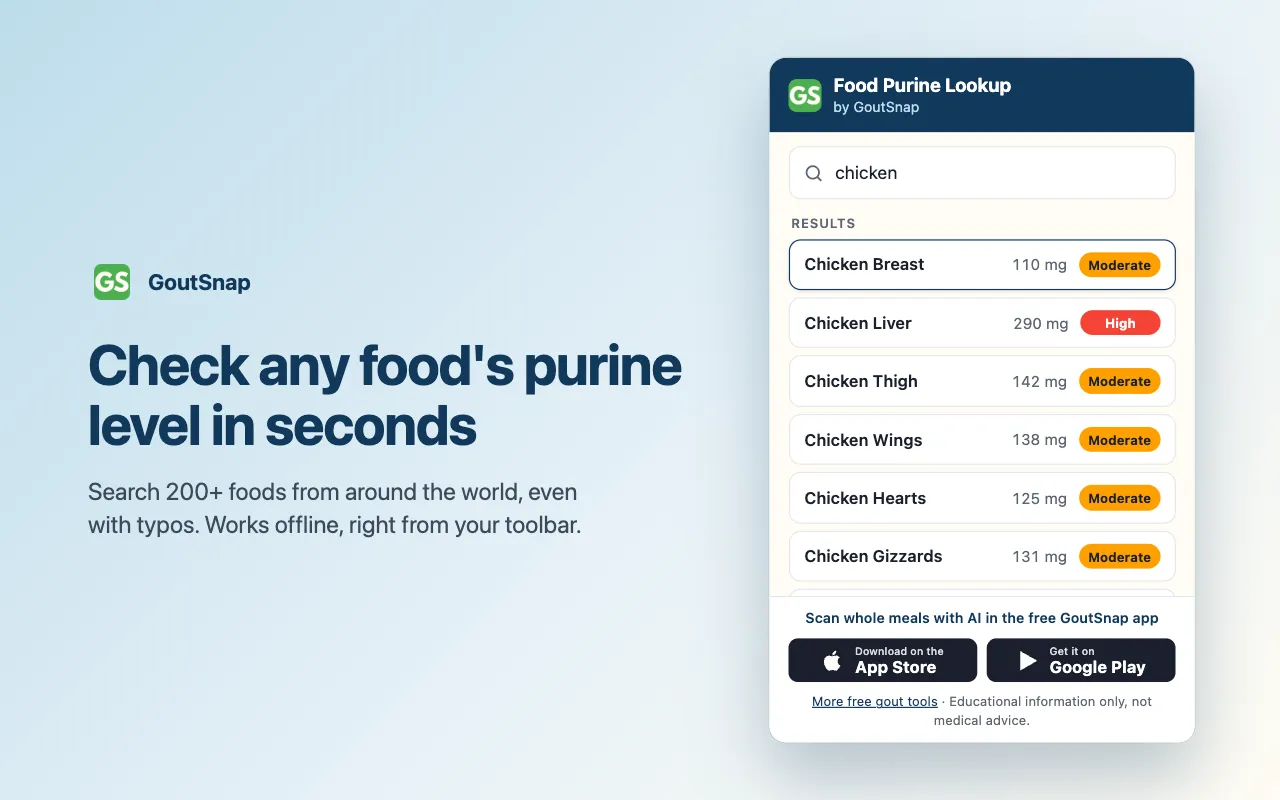
Click the GoutSnap icon and start typing, even with typos. Results show the purine amount and a color-coded level as you type.
Or right-click any food on a page
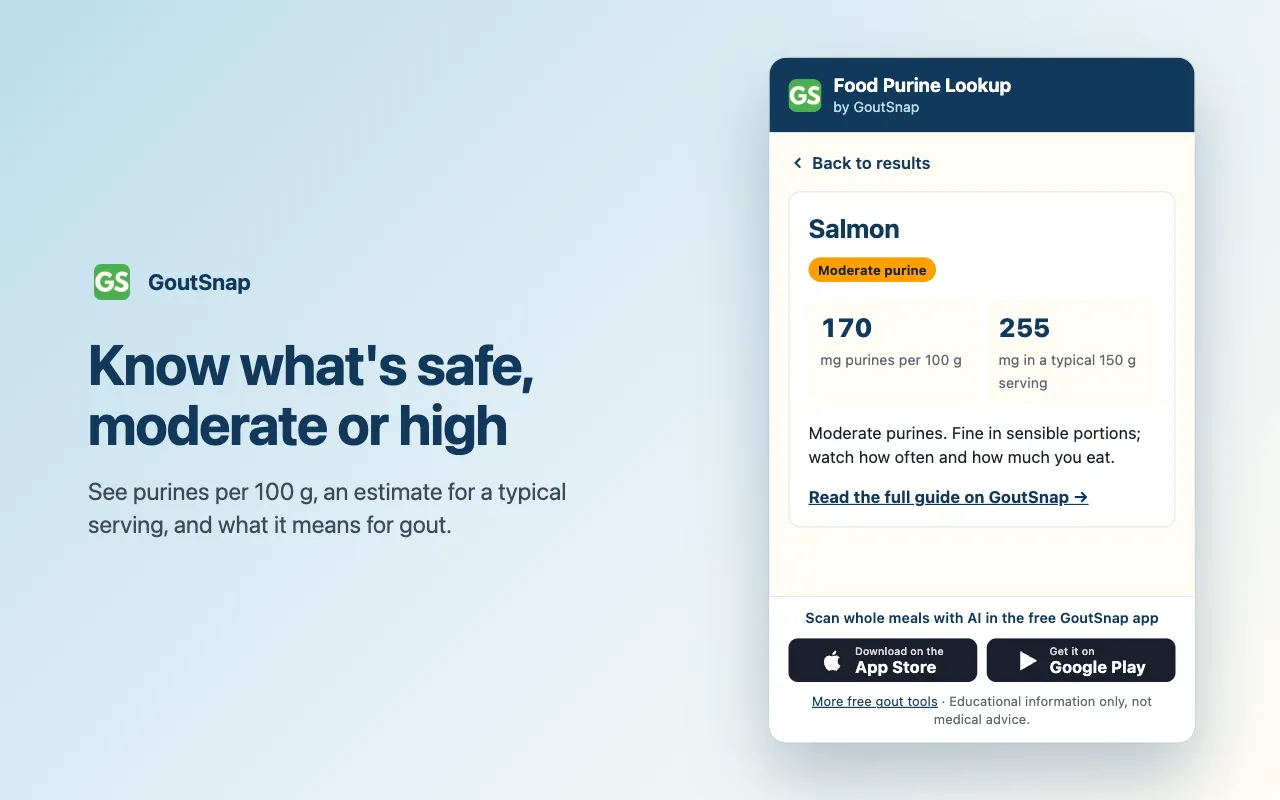
Select a word like “shrimp”, right-click and choose “Look up purines”. Open any result to see the amount per 100 g, per typical serving, and what it means for a gout diet.
Why use it
Answers while you browse
Reading a recipe, a restaurant menu or a grocery site? Highlight the food and check it without opening a new tab.
Per 100 g and per serving
See milligrams of purines per 100 g and an estimate for a typical serving, so portions make sense.
200+ foods, works offline
Meat, seafood, vegetables, drinks and more, including regional names like prawns and aubergine.
Private by design
No account, no tracking, and nothing you look up leaves your computer.
What the levels mean
Each food gets one of four gout risk levels. The purine ranges per 100 g are a rough guide. Drinks like beer and sugary soda are rated on overall gout risk, not purines alone, so they can show High with a low purine number.
- Low
under 50 mg
Low in purines. Generally fine to enjoy regularly on a gout-friendly diet.
- Moderate
50–149 mg
Fine in sensible portions; watch how often and how much you eat.
- High
150–299 mg
High gout risk. Keep portions small and occasional, and skip it during a flare.
- Very high
300 mg or more
Very high purines. Best avoided if you have gout.
For a full breakdown of a food, browse the GoutSnap food guides or add up a whole meal with the purine calculator.
How to install
Add to Chrome — it's freeThe extension collects no personal data. Read the extension privacy policy.
- 1
Open the Food Purine Lookup page on the Chrome Web Store.
- 2
Click “Add to Chrome”, then “Add extension”.
- 3
Click the puzzle-piece icon in the toolbar and pin GoutSnap so it is one click away.
Frequently Asked Questions
Educational information only, not medical advice.